Import and export firewall rules
You can export your current rule set as a file and import rules from a file into any zLAN firewall. This is useful for backing up rules, copying a configuration to another firewall, or bulk-editing rules outside the console.
Export rules
-
On the Rules page, click Import/Export in the top right.

-
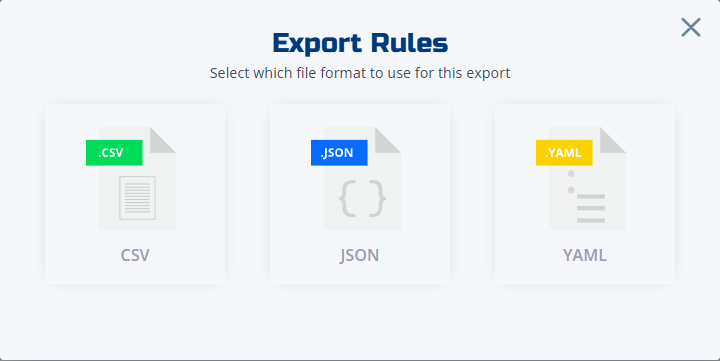
Select a format: CSV, JSON, or YAML.
-
Save the file to your local machine.
Import rules
-
On the Rules page, click Import/Export in the top right.
-
Select your rule file. Supported formats are CSV, JSON, and YAML.
-
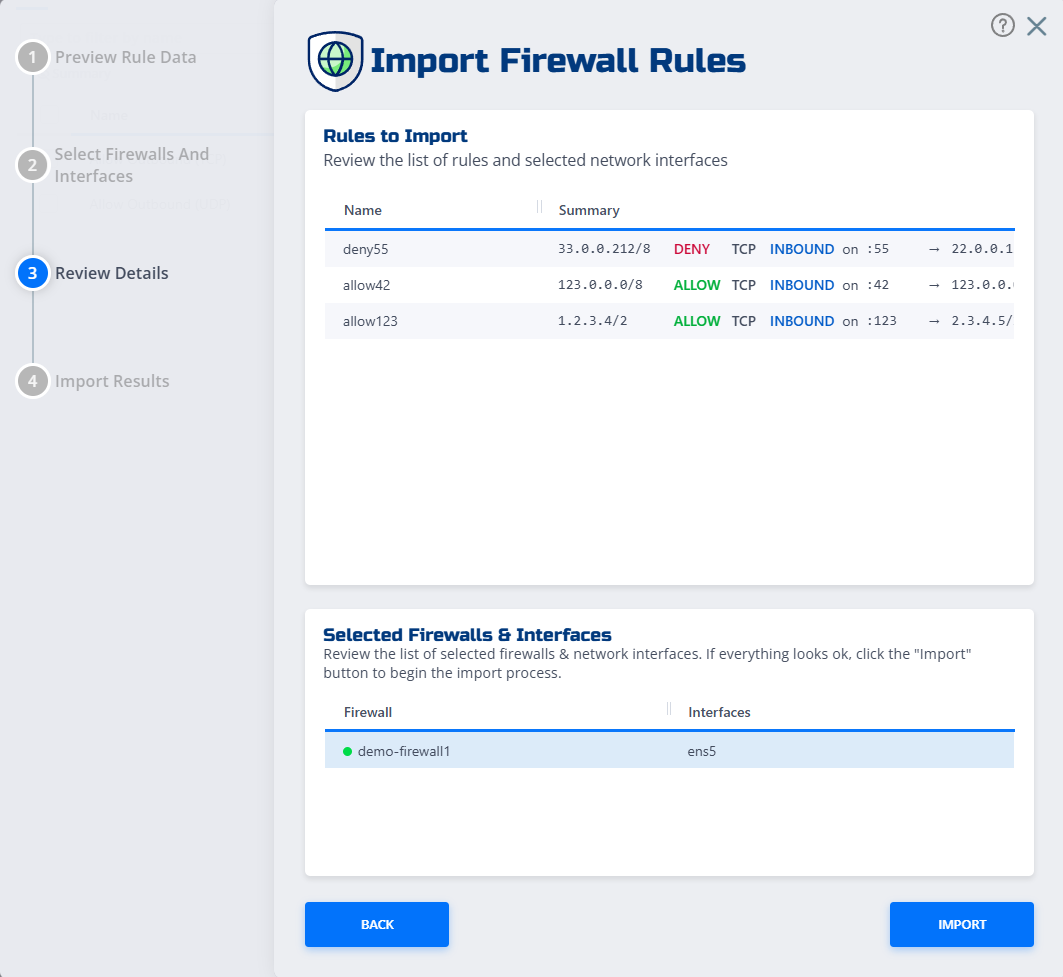
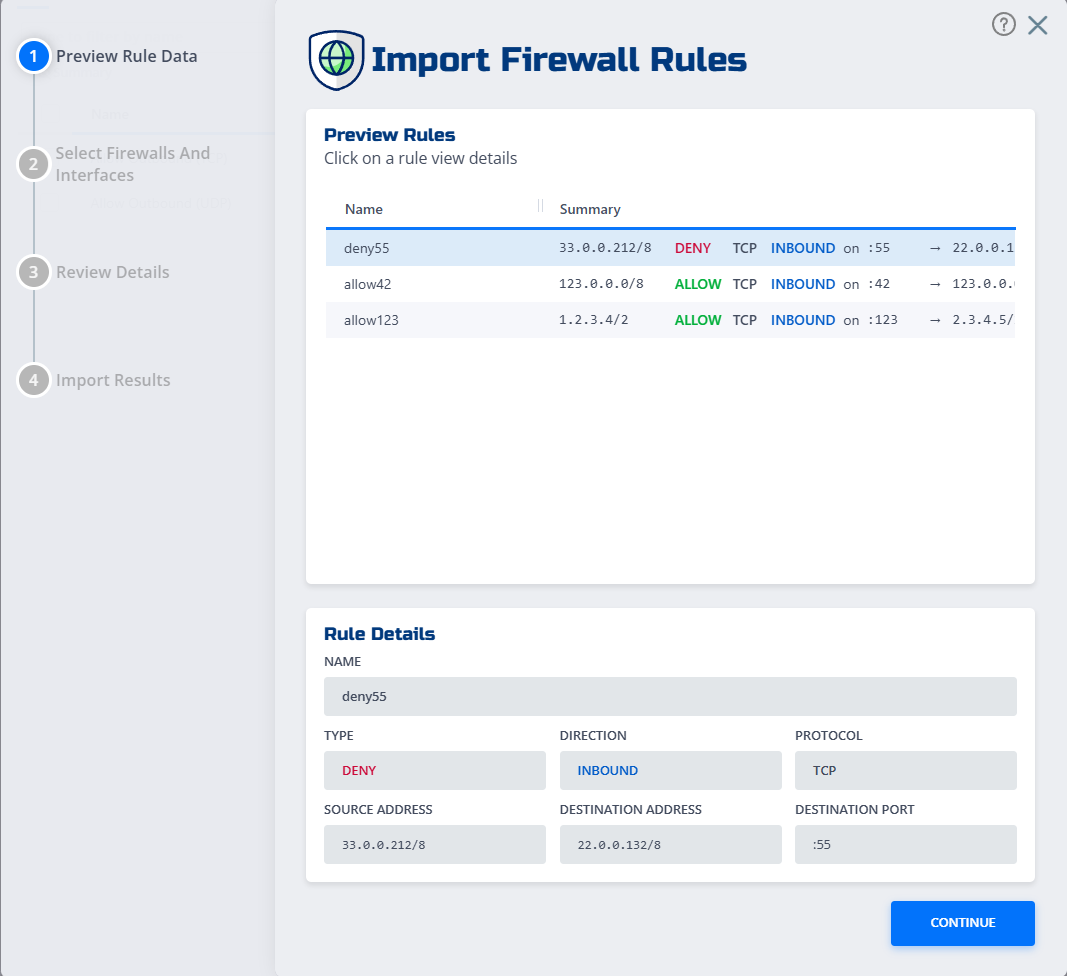
Review the preview. The console highlights any conflicts or validation errors before applying changes.
-
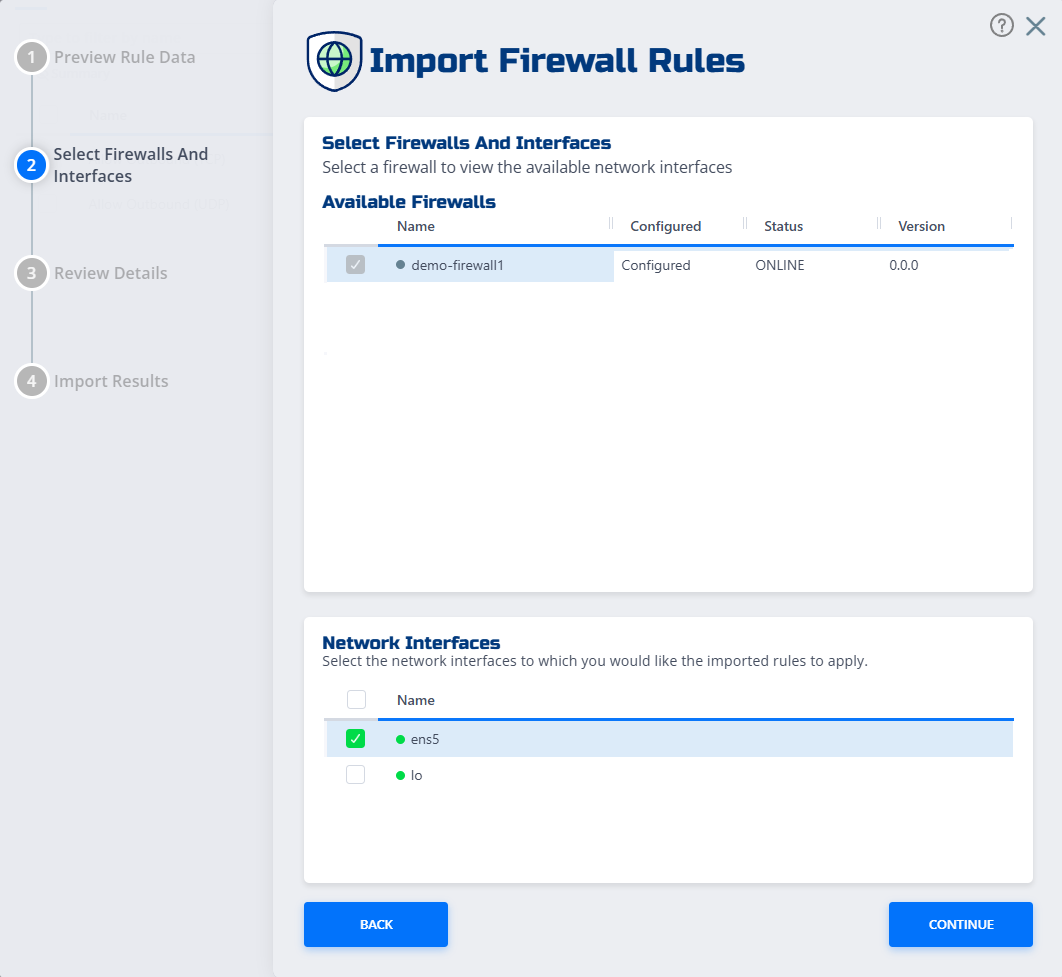
Select the firewall and interfaces you want to apply the rules to.
-
Click Import. The rules become active immediately.